Just head to the 'My account' tab in the Bip app and go to the 'Offers & Discounts' section to see what's available. Then:
Tap the offer you'd like to use
Check the retailer's terms and conditions to make sure it's right for your purchase
If there's an offer code, copy it
Press 'visit site' at the bottom of the screen to go to the retailer
Shop with the retailer as normal
Paste the offer code at the checkout (if applicable)
Check that the offer has been applied
Complete your purchase as normal
The offers & discounts available in the app are all provided by the retailers, some of which have a direct commercial relationship with us. That means we may make commission on some offers.
No, these offers are only available for online purchases.
It's worth checking the offer terms and conditions to be sure the offer is valid for the items in your basket, or if there's a minimum spend. You'll find this below each offer.
No, you can use these offers & discounts with any accepted payment method. Check the offer terms and conditions for full details.
If you've met the offer criteria and you're still having trouble with your code, please reach out to the retailer's customer care team.
*Calls are charged at a standard national rate. Call costs from mobiles and other operators may vary so please check before calling. Our lines are open 9am to 6pm Monday to Friday. 9am to 4pm Saturday. Calls may be recorded and monitored for training and security purposes and to help us manage your account.
Can't find what you are looking for?
Message the Bip team
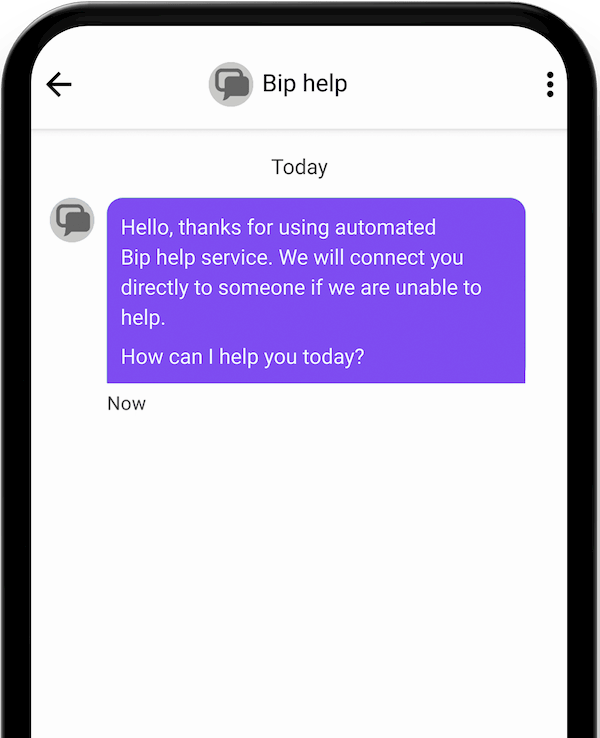
You can ask a question whenever you like through your Bip app. Open your Bip app and head to need help > message the Bip team.
Need to make a complaint?
We want to help fix any problems that might arise. Get in touch and we'll do everything we can to help.